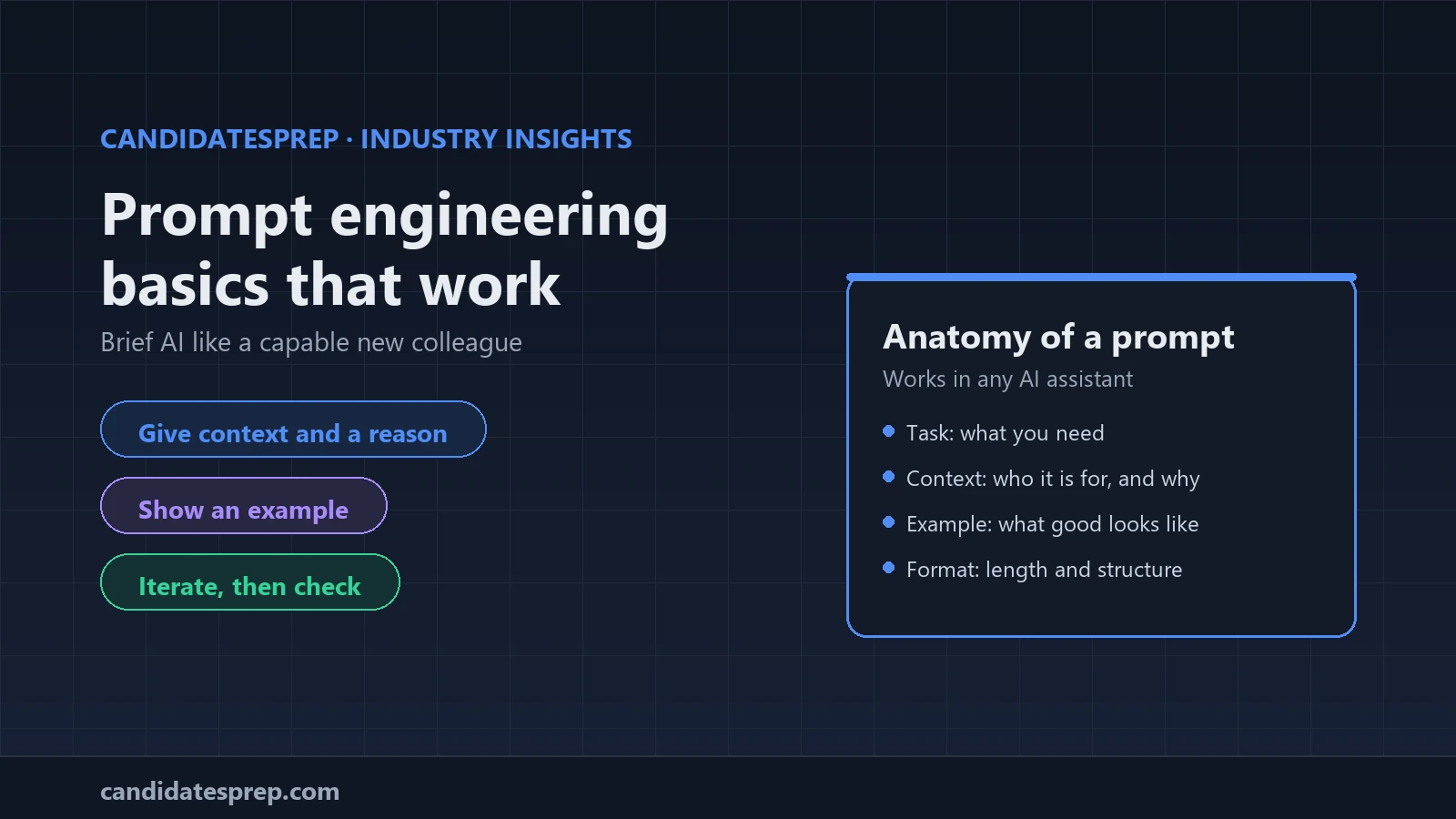
Prompt engineering, for most professionals, means briefing an AI assistant the way you would brief a capable new colleague: say what you need, why, for whom and in what shape, then check what comes back. The techniques below work in any mainstream assistant, and each comes with a short example you can adapt.
Start with the task, the context and the reason
A bare instruction such as "write a project update" leaves the tool guessing the audience, purpose, length and tone, so you get something generic. Add what it cannot know. Google's Gemini for Workspace guidance groups this into persona, task, context and format. Microsoft's Copilot prompting guide uses goal, context, source and expectations, and notes that only a clear goal is essential. Anthropic's prompting best practices add a useful habit: explain why an instruction matters, because the reason helps the model aim its answer.
Write a 150-word update on the CRM migration for our finance director. She cares about cost and risk, not technical detail. We are two weeks behind because of a data-cleaning problem, and the budget is unchanged.
Give it a role and name the reader
A role tells the tool which perspective, vocabulary and tone to use. Naming the reader matters just as much, because the same content needs different words for a board, a new starter or a customer.
You are an experienced IT trainer. Explain what a VPN does to a new starter with no technical background, in three short paragraphs and without acronyms.
A role shapes the voice of an answer, not its accuracy, so it never replaces checking.
Show an example of what good looks like
If you have a format or tone in mind, show it rather than describe it. Including one or a few worked examples is often called few-shot prompting, and both OpenAI's prompt engineering guide and Anthropic's guide recommend it for steering output. Use examples that resemble your real task and vary them a little, or the tool may copy their quirks.
Here are two product descriptions in our house style: [first example] [second example]. Write one in the same style for our new noise-cancelling headset.
Set constraints and ask for structure
Constraints narrow the range of possible answers: length, tone, reading level and what to leave out. Structure makes the output usable in your next step, whether that is bullets for a slide, an email ready to send, or three options with pros and cons. When you paste in material, label it so the tool can tell your instructions from your source text; the OpenAI and Anthropic guides both suggest separating sections with headings or tags.
Instructions: summarise the meeting notes below for the operations team in no more than five bullet points, in plain English. Finish with a list of actions, each with an owner.
Notes: [paste notes here]
Iterate instead of starting again
Treat prompting as a conversation. Google's guidance recommends follow-up prompts and a cycle of review and refinement, and Microsoft points out that the same prompt can produce different answers each time. Useful follow-ups include:
- "Make it shorter and lead with the decision we need."
- "Give me two alternative opening lines with a warmer tone."
- "Before you start, ask me up to three questions about anything unclear."
For bigger jobs, agree an outline first, then draft one section at a time; each step is easier to check than one long answer.
Check the output before you use it
AI assistants can state wrong things fluently. Microsoft advises cross-referencing responses with trusted sources, and Google reminds users to review output for clarity, relevance and accuracy, because the final result is their responsibility. A quick routine:
- Check facts, figures, names and dates against the original source.
- If the tool cites sources, open them. A citation is not evidence until you have read it.
- Read for tone and audience as well as accuracy.
- Keep confidential and personal data out of any tool your organisation has not approved.
The same discipline applies when you learn: our guide to studying with AI without cheating shows how to use it as a tutor, not a shortcut.
Practise under real exam conditions
Prompting is one part of practical AI literacy, alongside data basics and judgement, as our guide to AI skills worth learning in 2026 explains. It is also examinable. The official AWS Certified AI Practitioner exam guide includes a task statement on choosing effective prompt engineering techniques, with zero-shot, few-shot and chain-of-thought among its examples; check it for current details before you book. If you are preparing for an AI certification, timed mocks on CandidatesPrep mirror the real exam's timer, navigation and flagging, and every result breaks down by topic, so you can see which areas still need work. Teams rolling out AI tools can pair a short course with quizzes and track readiness across a cohort.
The bottom line
A good prompt is a good brief: context and a reason, a role and a reader, an example, clear constraints and a useful structure. Then iterate, and check every answer before it goes out under your name.
Test your knowledge with a timed mock on the CandidatesPrep simulator, or book a demo to run AI skills training for your team.